
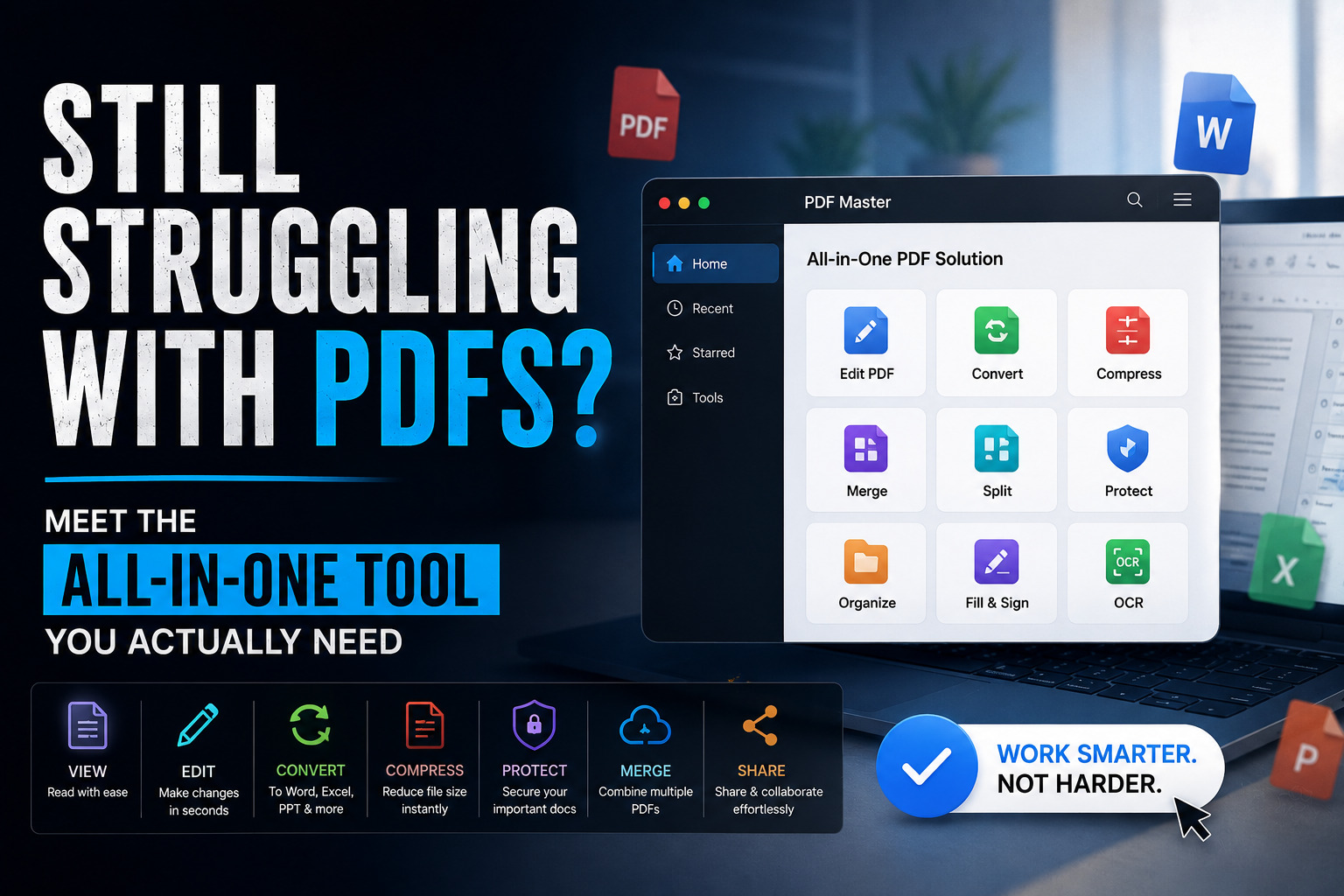
Think about the last time a PDF caused you grief. Maybe you received a contract that needed signing but couldn’t figure out how to add your signature without printing it. Or you were sent a scanned report and needed to pull out a single paragraph of text. Or you wanted to convert a large PDF into an editable Word document – only to watch the formatting collapse entirely. If any of that sounds familiar, you are not alone. And there is a tool designed specifically for people like you.
SwifDoo PDF is an AI-powered, all-in-one PDF software that has been quietly building a reputation as one of the most complete and most approachable – PDF management tools available today. Trusted by users across 160+ countries and available on Windows, Mac, iOS, Android, and the web, it positions itself as a single answer to every PDF problem you’ve ever encountered.
Why PDF Management Still Matters in 2026
For all the talk of cloud-native documents and collaborative tools, the PDF remains one of the most widely used file formats in business, education, legal, and creative work. It’s the format of contracts, invoices, research papers, government forms, architectural drawings, and design portfolios. Yet despite its ubiquity, most people rely on basic, limited readers that let them view a PDF and nothing else.
The moment you need to do anything beyond reading edit a word, reorganize pages, extract a table, add a comment, or send a signed form – you hit a wall. You’re suddenly hunting for an online converter that may or may not work, downloading software that asks for your credit card before you can even try it, or emailing files back and forth hoping someone else can sort it out. That friction is real, it wastes time, and in professional settings it can cost money.
SwifDoo PDF was built around the premise that all of this should be simpler. And from the evidence, it delivers.
Edit PDFs the Way You Edit a Word Document
The most common frustration with PDFs is that they feel locked – static files you can look at but not touch. SwifDoo’s PDF editor dismantles that entirely. You can add, delete, or modify text directly inside a PDF, change fonts, adjust sizes and colors, and reposition paragraphs as naturally as you would in a word processor. Images can be inserted, replaced, resized, or removed. Backgrounds, hyperlinks, and headers are all within reach.
One feature that quietly proves invaluable is the find-and-replace function. Need to update a company name across a 40-page contract? A phone number that’s changed in a brochure? SwifDoo handles it in seconds, across the entire document, without requiring you to manually hunt through every page.
For scanned documents – those image-based PDFs that look like text but aren’t – SwifDoo’s built-in OCR (Optical Character Recognition) engine converts them into fully editable, searchable files. Whether it’s an old paper report that was digitized years ago or a photo of a printed form, the OCR engine reads the text and makes it live, so you can copy, search, and edit it like any other document.
Convert Anything to (and From) PDF
SwifDoo’s conversion capabilities are impressively wide. You can convert a PDF into Word, Excel, PowerPoint, JPG, PNG, BMP, TIFF, HTML, EPUB, TXT, XPS, or even CAD formats like DWG and DXF and all of those formats can be brought back into a clean, well-formatted PDF. The tool also supports conversion between image formats – JPG to PNG, HEIC to PDF, and more – which is particularly useful for anyone working with iPhone photos or legacy files.
What sets SwifDoo apart here is formatting fidelity. Many free converters will take your carefully laid-out PDF and spit out a Word document that looks like it was typed in a hurry with fonts scrambled. SwifDoo’s conversion engine prioritizes preserving the original layout, meaning columns, tables, images, and spacing survive the process intact. For professional documents – proposals, reports, presentations – that matters enormously.
Annotate, Sign, and Protect – All in One Place
Collaboration and document security are two areas where SwifDoo’s feature set really stands out. On the annotation side, you get the full toolkit: highlights, underlines, strikethroughs, sticky notes, stamps, shape drawing, and text boxes. For anyone reviewing contracts, marking up research, or giving feedback on a draft, these tools transform the PDF from a passive document into an active workspace.
For signatures, SwifDoo supports both electronic signatures – created by drawing, typing, or uploading an image and digital signatures, which carry legal weight and are recognized in many jurisdictions as binding. This is significant for freelancers, small business owners, and anyone who regularly signs contracts or approvals: you no longer need a separate e-signature service just to put your name on a form.
Security is handled with a two-layer password system. You can set one password to restrict who can open the file, and another to control permissions – preventing copying, printing, or editing by unauthorized parties. Watermarks can be added for branding or confidentiality. For sensitive documents, this is meaningful protection built directly into the same tool you already use for everything else.
SwifDoo AI: Your Personal Document Assistant
The most forward-looking part of SwifDoo’s offering is its AI assistant. As PDFs have grown longer and more complex – financial reports running to hundreds of pages, technical manuals, academic papers – the need to extract meaning quickly has never been greater. SwifDoo AI addresses this head-on.
The AI can summarize an entire PDF in seconds, distilling its key points into a structured overview without requiring you to read every page. It can translate the document or just selected passages – into another language, which is invaluable for international business or research. You can also “chat” with your PDF: ask it questions about the content, request explanations of specific sections, or have it pull out particular data points. The AI also handles proofreading and rewriting, catching errors and improving the clarity of your text.
This isn’t AI as a gimmick. For anyone managing large volumes of documents, having an assistant that can read and explain them on demand is a genuine productivity multiplier.
One Tool, Every Device
SwifDoo PDF runs on Windows and Mac as a desktop application, and is available on iOS and Android for mobile users. There’s also a web-based online tool suite that handles common conversions directly in the browser with no installation required. This cross-device approach means your PDF workflow isn’t interrupted when you switch from your laptop to your phone on the go.
The desktop application is impressively lightweight at only around 30MB – a fraction of what tools like Adobe Acrobat require. It opens files quickly and maintains a Microsoft Office-style interface that most users will find immediately familiar. There’s no steep learning curve; the tools are logically grouped and clearly labeled, which matters when you’re in the middle of a busy workday and don’t have time to search for a button.
What Does It Actually Cost?
SwifDoo PDF offers a 7-day free trial with access to all features – no credit card required. After that, pricing is flexible:
- Monthly Plan – $16.99/month (1 device)
- Quarterly Plan – $16/month, billed quarterly (1 device)
- Yearly Plan – $4.50/month, billed at $69/year (2 devices)
- 2-Year Plan – $2.88/month, billed at $99 (2 devices)
- Perpetual Plan (1 PC) – $96.75 one-time fee, lifetime updates
- Perpetual Plan (2 PC) – $119.25 one-time fee, lifetime updates
The perpetual plans are worth highlighting. For under $100, you get lifetime access with no recurring fees and free upgrades forever. For regular PDF users, it pays for itself in under two years. Discounts are also available for students, educational institutions, and non-profits.
Who Is SwifDoo PDF Actually For?
Honestly? Most people who work with documents. Students benefit from the annotation tools and AI summaries for studying dense material. Freelancers and contractors get a reliable e-signature tool and a converter that keeps proposals looking polished. Professionals in legal, financial, or architectural fields benefit from OCR, CAD conversion, and robust security. Small business owners can drop several separate subscriptions by having everything in one place.
Even home users who only occasionally need to fill in a form, sign a document, or compress a photo-heavy PDF will find genuine value here.
Conclusion
SwifDoo PDF earns its reputation as a genuinely all-in-one solution. It handles editing, conversion, annotation, signing, protection, compression, and AI-powered analysis in a single lightweight application. The pricing is fair – especially the perpetual option – and the interface is accessible enough that you won’t need a manual to get started.
If you’ve been stitching together three or four different tools to manage your PDFs, SwifDoo PDF is the clean slate you’ve been looking for. Head to swifdoo.com to start your free 7-day trial.